 spyus.link
 LETS REVIEW THE BASICS OF ACH TRANSFER:
A BANK DROP: is the bank where the transferred money will be deposited. It can be a bank account belonging to your personal client or your picker in any state.
A SPAMMED ACCOUNT(BANK LOG): is the bank account from which we will be pulling the money from to our drop account.
ACH PULL or ACH DEBIT: is when you initiate the transfer from the Drop(Client Account). Involves getting money pulled from the "Spammed Account" to your "Drop Account".
ACH PULL BANK TRANSFER TUTORIAL
Never use calling logs (company fullz) for ACH Pull bank transfers. Most of them are already blacklisted, even if they have a balance, and using them will likely ruin your work. Click to expand...
There are many drop banks that can be used for ACH DEBIT bank transfers; however, Wells Fargo and BOA are not allowed for this tutorial.
If you want to confirm whether your drop account accepts PULL ACH bank transfers, follow these steps:
- First of all, log onto your drop/client and navigate the Transfer & Payment option on the top menu.
- Click on Add an External Account(This is where you add info of the hacked bank log).
- Now this is where you will input the Account Number, Routing Number and Account Type of the bank log with money.
- After you have added the Hacked Bank log info, 2 micro Deposit will be sent into Hacked bank Log account for verification. This may take 1-2 days to get the micro deposit which is always less than $1
- The next step is to verify our external/hacked bank log account with the trial deposits that were sent, linking it to our drop/client account.
- In two days, log in to your external/spammed account and you'll notice three transactions: two credits and one debit.
- Remember the two credits and head straight to the Drop Account linked to that Spammed account. You will be asked to input the two deposit transactions that were credited to your spammed log in the spaces provided above.
- Now, the next step is pulling the funds from the bank log/external account we bought to the drop/client account we added. To start the transfer, navigate to "Payments & Transfers" and click on "Transfer Funds".
- At this stage, all transfer information will be requested.
TO: This should be either the checking or savings account of your drop where you want the money to reflect/fall into.
Be vigilant and don't make mistakes.
To Account: Select either the checking or savings account of your Drop/Client account where you want the money to be deposited.
Enter the amount you wish to pull from your spammed/external log, ensuring the log has that balance. For example, if your log has a $175k balance, you might enter $10, 000. Then select "one-time transfer" and choose the date you want the transfer to be sent.
For the memo: you can ignore this field or enter any word.
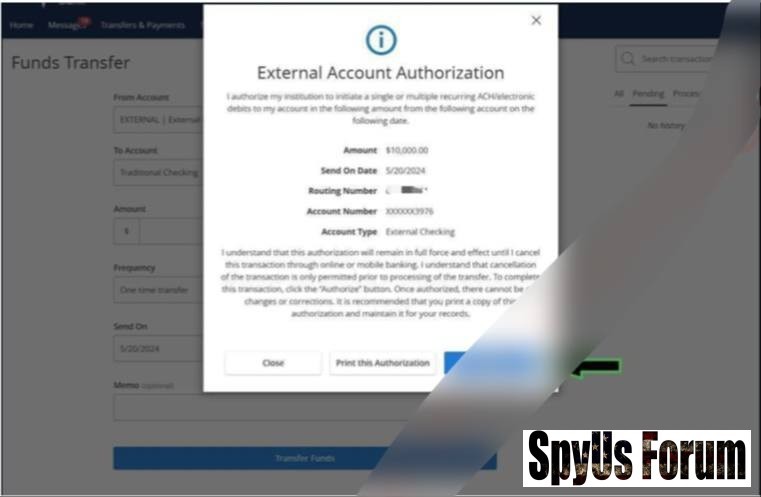
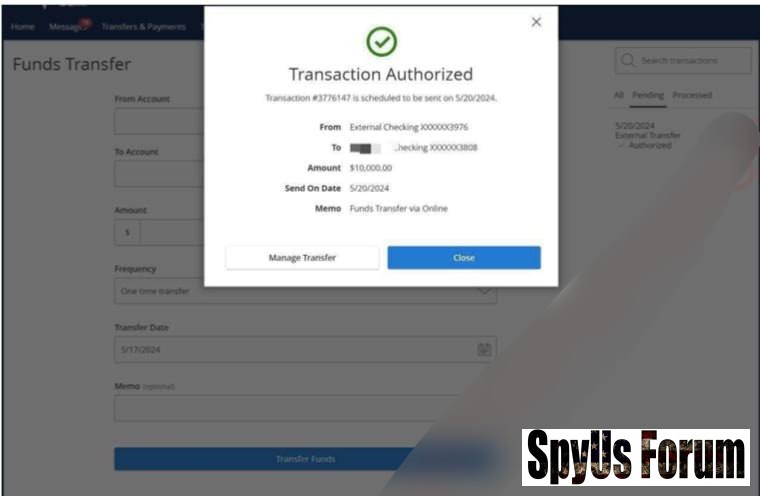
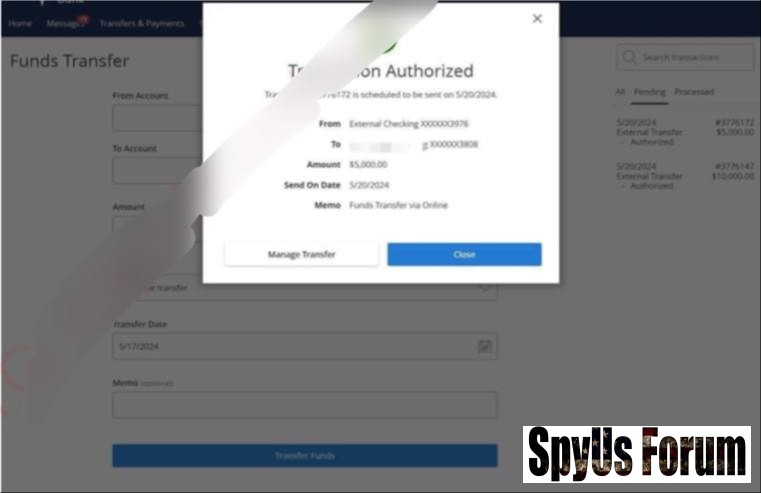
Once everything looks correct, click on "Authorize" to schedule the transfer. Payment scheduled successfull.
List of Highly Recommended Bank Drops to Load with the ACH Method:
- First Tech Federal Credit Union
- Texas Farm Credit Union
- Capital Farm Credit Union
- Alabama Farm Credit Union
- Rural 1st
- Visions Federal Credit Union
- Gulf Winds Credit Union
- Everwise Credit Union
- Avadian Credit Union
- Clark County Credit Union