

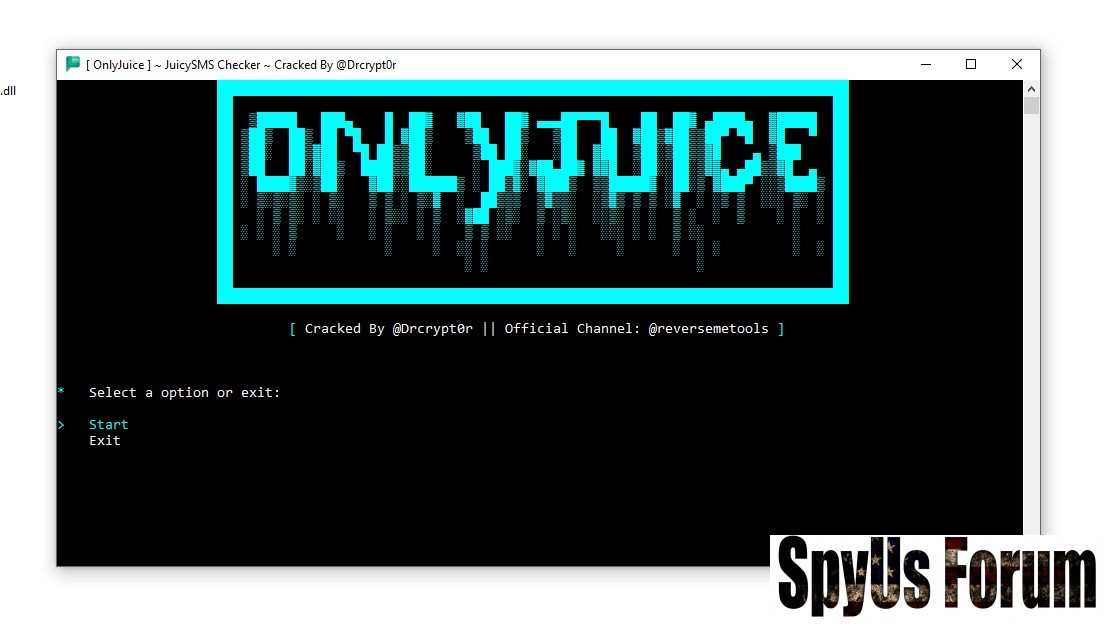
 OnlyJuice Checker 2026 – Complete Feature Breakdown & Performance Review
Introduction
OnlyJuice Checker 2026 is a modern SMS checking and capture tool designed for users who need fast processing, organized output management, and performance-focused results. With an improved CUI interface, multi-threading capabilities, and full account categorization, OnlyJuice aims to provide an efficient workflow for handling large datasets.
Table of Contents
You must be registered for see links
-
You must be registered for see links
-
You must be registered for see links
-
You must be registered for see links
-
You must be registered for see links
-
You must be registered for see links
-
You must be registered for see links
-
You must be registered for see links
-
You must be registered for see links
-
You must be registered for see links
-
You must be registered for see links
-
-
You must be registered for see links
-
You must be registered for see links
-
You must be registered for see links
-
You must be registered for see links
-
You must be registered for see links
-
You must be registered for see links
-
You must be registered for see links
-
You must be registered for see links
-
In this guide, we’ll explore its features, performance advantages, and technical capabilities in detail.
What is OnlyJuice Checker 2026?
OnlyJuice Checker 2026 is an advanced SMS checking and capture tool built with speed and structured data handling in mind. It supports multi-threaded operations, automatic error logging, categorized results, and organized export functionality.
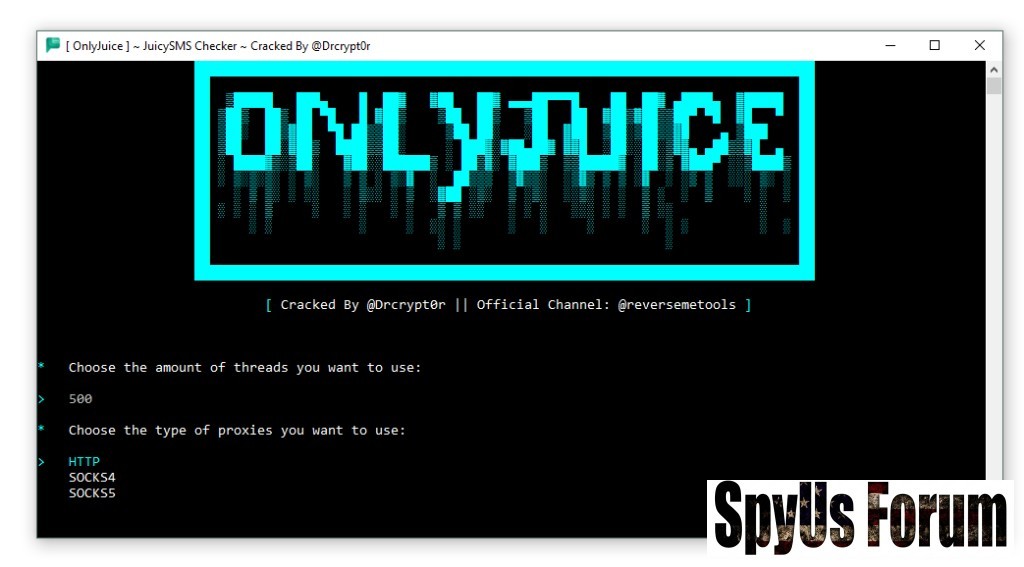 The 2026 version focuses on:
- Better navigation
- Faster thread execution
- Improved logging system
- Structured hit saving
- Optimized CPM performance
Clean CUI & Easy Navigation
The tool comes with a clean CUI (Console User Interface), making it easy to navigate even for beginners. The layout is structured and minimal, reducing confusion and improving workflow efficiency.
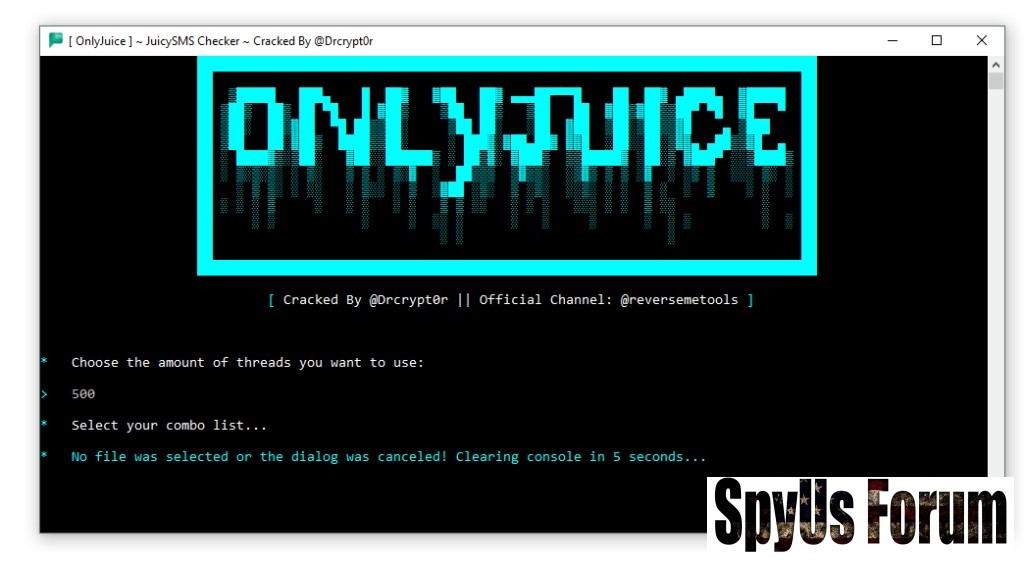 Benefits:
- Clear result display
- Organized menu structure
- Faster task management
- Reduced operational errors
One of the strongest technical improvements is the built-in error logging system. It automatically records:
- Failed attempts
- Timeout errors
- Connection issues
- System interruptions
Saves Hits to a .TXT File
OnlyJuice Checker 2026 automatically saves successful results (“hits”) into structured .TXT files.
Advantages:
- Easy data storage
- Quick access for review
- Organized result management
- Compatibility with other tools
SUPER High CPM Performance
CPM (Checks Per Minute) is a critical performance metric for checking tools. The 2026 version claims significantly improved processing speeds through:
- Thread optimization
- Reduced delay handling
- Efficient memory usage
- Faster dataset processing
- Better resource efficiency
- Improved operational output
Multi-threading allows the to process multiple tasks simultaneously.
Key Benefits:
- Increased speed
- Better utilization
- Large list handling capability
- Reduced overall processing time
Full Account Categorization
The account categorization system automatically sorts results into structured segments.
Examples of categorization:
- Successful hits
- Failed checks
- Custom response types
- Error-based grouping
Performance & System Efficiency
OnlyJuice Checker 2026 appears optimized for:
- Low resource consumption
- Stable connection handling
- Improved thread control
- Structured output management
Why Structured Output Matters
Modern checking tools must provide:
- Clear result separation
- Organized logging
- Export-ready formats
- Error transparency
Download OnlyJuice Checker 2026
Technical Overview
FeatureDescription
InterfaceClean Console UI
LoggingAutomatic Error Logging
Output.TXT Hit Saving
SpeedHigh CPM Optimization
ThreadsMulti-Threading Supported
OrganizationFull Account Categorization
Frequently Asked Questions (FAQ)
What makes OnlyJuice Checker 2026 different from previous versions?
The 2026 edition improves speed, logging accuracy, and thread optimization compared to earlier builds.
Does it support multi-threading?
Yes, it supports multi-threading for faster performance and bulk processing.
In what format are results saved?
Successful hits are saved in structured .TXT files.
Is error tracking included?
Yes, built-in error logging automatically records operational issues.



